

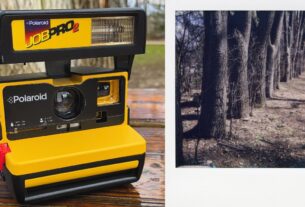
Here’s how to do the trending polaroid trend.
1. First, download “Stream – AI Chat, Photo, Video”
2. Scroll to the “Photos” tab.
3. Select the “Polaroid Trend” Filter.
4. Add your photo, and the other photo of your companion
5. Press “Generate”
6. The app will return you the result in a few seconds.
7. Enjoy and share!


https://apps.apple.com/us/app/stream-ai-chat-photo-video/id6752020710